Otter Enterprise Search Transforms AI Meeting Notetaker into a Unified Workspace
BitcoinWorld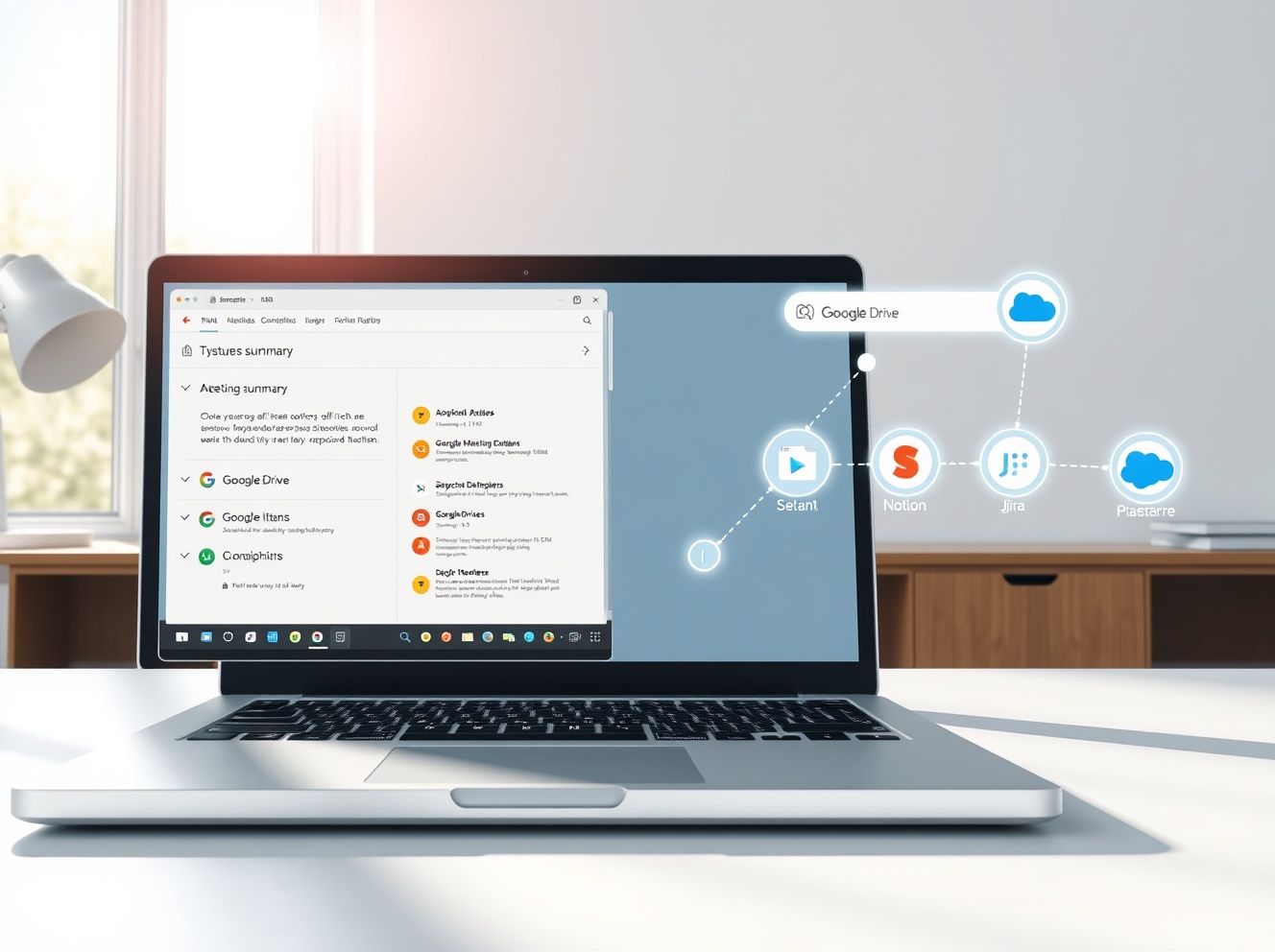
Otter Enterprise Search Transforms AI Meeting Notetaker into a Unified Workspace
AI meeting notetaker apps now realize that transcribing meetings and providing summaries alone is not enough to justify their business models and valuations. They now want to act as a full workspace where users bring in data from different sources, search across all of it, and make decisions about their business. Following notetakers like Read AI, Fireflies.ai, and Fathom, Otter is now launching enterprise search by acting as a Model Context Protocol (MCP) client. That means it can connect to and pull data from outside apps and services using a common standard that AI tools are rapidly adopting.
Otter Enterprise Search: A New Era for AI Meeting Notetakers
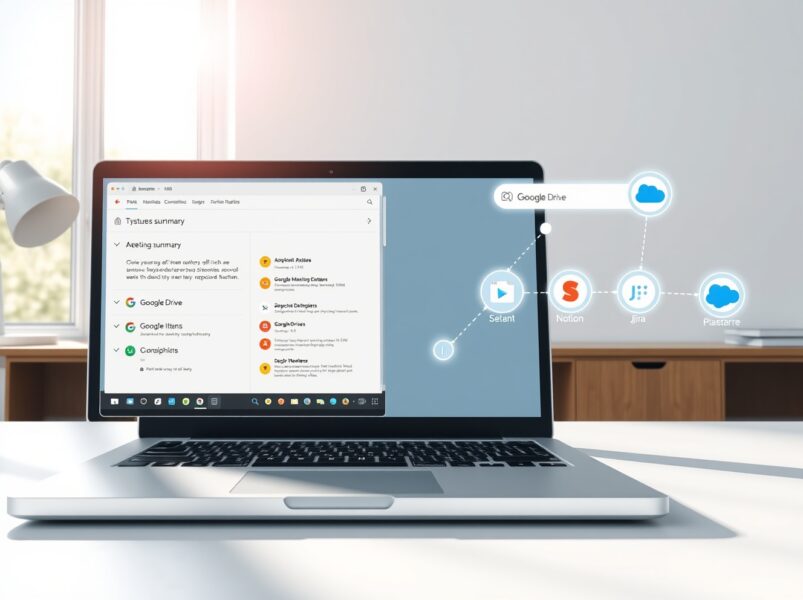
Otter has been around for nearly a decade now, but it has been making moves toward becoming an enterprise productivity tool in the last few months. Last October, the company launched a way for organizations to build custom MCPs to access Otter data outside the app. The company’s latest move is more about bringing outside data into the app. With this launch, users can connect their Gmail, Google Drive, Notion, Jira, and Salesforce accounts and query that data along with existing meeting data. The company said that it will soon allow connections with Microsoft Outlook, Teams, SharePoint, and Slack.
How Otter MCP Client Works Across Enterprise Tools
Users can not only search for data across these tools but can also push meeting summaries to Notion or draft a Gmail message. The company said that it has also redesigned its AI assistant to be consistently present across the whole interface, so users can ask questions anytime. The assistant can understand the context of the screen, such as a particular meeting or a channel, and answer questions accordingly.
Key Features of Otter’s Cross-Tool Search
- Unified search: Query Gmail, Google Drive, Notion, Jira, and Salesforce alongside meeting data.
- Actionable outputs: Push summaries to Notion or draft emails directly from the assistant.
- Context-aware AI: The assistant understands screen context, such as a specific meeting or channel.
- Future integrations: Microsoft Outlook, Teams, SharePoint, and Slack coming soon.
Botless Meeting Capture: Otter Brings System Audio Recording to Windows
Meanwhile, most notetakers are following Granola’s lead and allowing for a botless meeting capture — recording meetings using a device’s system audio rather than having a bot join the call. Otter said that it brought this feature to the Mac app late last year, and is now launching a Windows app with a similar feature.
The Debate: Bots vs. Botless Meeting Note-Taking
There has been a debate around meeting note-taking with bots (where a bot joins the meeting) or without bots. Otter CEO Sam Liang said that the company’s enterprise customers prefer when a meeting notetaker joins the call. “When we talk to enterprise customers, most of them actually prefer the note taker that joins the Zoom meeting because it provides the transparency. They also prefer the meeting notes to be shared with all the meeting attendees, so that the note is not limited to one person,” he told Bitcoin World over a call.
Otter Deduplication Prevents Bot Overload in Meetings
Otter said that it has a deduplication feature that prevents a swarm of bots from joining a meeting simultaneously to avoid situations where there are more bots than humans on a call. This is a practical solution to a growing problem as more teams adopt multiple AI tools for the same meetings.
Otter User Growth and Revenue: From 25 Million to 35 Million Users
Last year, the company said it had 25 million users and $100 million in annual recurring revenue. While the company didn’t provide a new set of financials, it said that the platform now has 35 million users. This growth signals strong market demand for Otter enterprise search and cross-tool capabilities.
Industry Context: AI Notetakers Evolve into Productivity Platforms
The move toward enterprise search reflects a broader trend in the AI meeting notetaker space. Companies like Read AI, Fireflies.ai, and Fathom are also expanding beyond simple transcription. They aim to become central hubs for business intelligence, where users can search across all their tools from one interface. Otter’s adoption of the MCP standard positions it to integrate with a wide ecosystem of enterprise applications.
What is Model Context Protocol (MCP)?
MCP is a common standard that AI tools use to connect and pull data from outside apps and services. By acting as an MCP client, Otter can seamlessly access data from Gmail, Google Drive, Notion, Jira, and Salesforce without requiring custom integrations for each tool. This approach reduces development overhead and speeds up deployment for enterprise customers.
Otter AI Assistant Redesign: Always Available, Context-Aware
The redesigned AI assistant is consistently present across the whole Otter interface. Users can ask questions at any time, and the assistant understands the context of the screen. For example, if a user is viewing a specific meeting summary, the assistant can answer questions about that meeting. If the user is browsing a channel, the assistant can provide insights related to that channel’s discussions.
Conclusion
Otter enterprise search represents a significant shift for AI meeting notetakers. By acting as an MCP client, Otter connects Gmail, Google Drive, Notion, Jira, and Salesforce into a single searchable workspace. The company also brings botless meeting capture to Windows and introduces a context-aware AI assistant. With 35 million users and growing revenue, Otter is positioning itself as a central productivity hub for enterprises. This move reflects the industry’s evolution from simple transcription to comprehensive business intelligence platforms.
FAQs
Q1: What is Otter enterprise search?
Otter enterprise search is a new feature that lets users search across connected enterprise tools like Gmail, Google Drive, Notion, Jira, and Salesforce alongside meeting data. It uses the Model Context Protocol (MCP) to pull data from outside apps.
Q2: How does Otter MCP client work?
Otter acts as an MCP client, meaning it can connect to and pull data from external apps using a common standard. Users can query data from connected tools and push meeting summaries to Notion or draft Gmail messages.
Q3: What integrations does Otter support for cross-tool search?
Currently, Otter supports Gmail, Google Drive, Notion, Jira, and Salesforce. The company plans to add Microsoft Outlook, Teams, SharePoint, and Slack soon.
Q4: Does Otter offer botless meeting capture?
Yes, Otter brought botless meeting capture to the Mac app late last year and is now launching a Windows app with the same feature. This allows recording using system audio instead of having a bot join the call.
Q5: How does Otter prevent multiple bots from joining the same meeting?
Otter has a deduplication feature that prevents a swarm of bots from joining a meeting simultaneously. This avoids situations where there are more bots than humans on a call.
This post Otter Enterprise Search Transforms AI Meeting Notetaker into a Unified Workspace first appeared on BitcoinWorld.


You May Also Like
Solana Price Prediction: SOL Slides Below $80 As $270M Hack Triggers Selloff

T-Mobile (TMUS) Stock: Q1 Earnings Coincide With Merger Rumors and Major Fiber Expansion